

Introduction
Watching videos on a smartphone should be smooth, simple, and enjoyable. Whether you are streaming content, watching downloaded movies, or playing personal videos, choosing the right media player makes a noticeable difference.
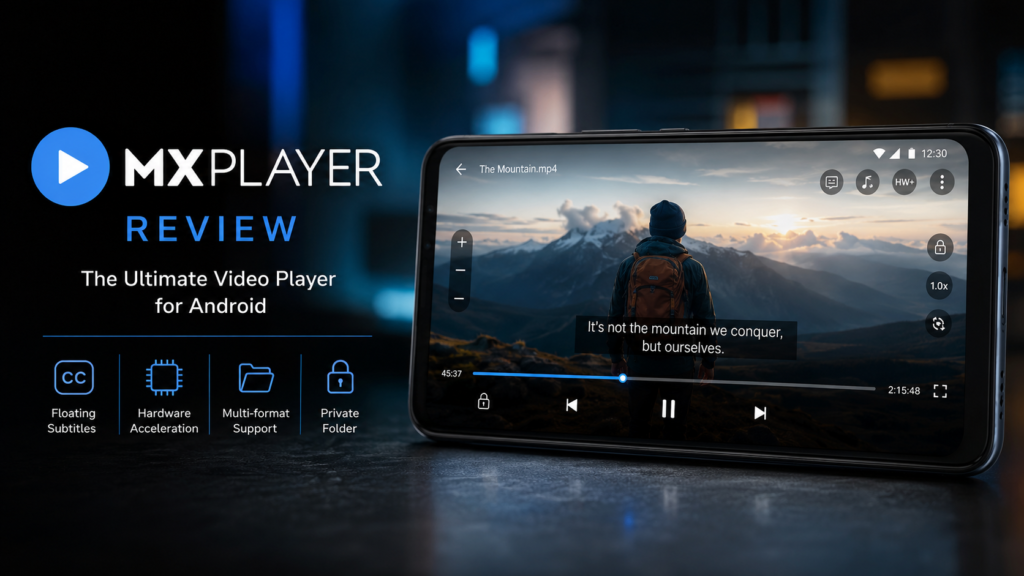
MX Player is one of the most popular video player applications available for Android. Known for its wide format compatibility, advanced subtitle support, hardware acceleration, and intuitive gesture controls, it has become a preferred choice for millions of users worldwide. This review explores everything you need to know before downloading the app. (Google Play)
What Is MX Player?
MX Player is an Android multimedia application designed to play local video and audio files with excellent performance. It supports numerous video formats and provides advanced playback options including subtitle customization, multi core decoding, and hardware acceleration.
The application is suitable for casual viewers, movie enthusiasts, students, and professionals who regularly consume video content on Android devices. (Google Play)
Quick App Details
| Detail | Information |
|---|---|
| Developer | MX Media & Entertainment Pte. Ltd. |
| Category | Video Players & Editors |
| Platform | Android |
| Latest Version | Varies with device |
| App Size | Varies with device |
| Price | Free with advertisements |
| Official Store | Google Play Store |
Latest version and app size vary depending on device compatibility and are not published as fixed values on Google Play. (Google Play)
Key Features
One reason MX Player remains popular is its feature rich experience.
Main Features
- Supports nearly all popular video formats
- Advanced HW and HW+ hardware acceleration
- Multi core decoding for improved performance
- Extensive subtitle support
- Subtitle synchronization controls
- Gesture controls for brightness, volume, and seeking
- Picture in Picture mode
- Background audio playback
- Folder based media organization
- Playback speed adjustment
- Kids Lock feature
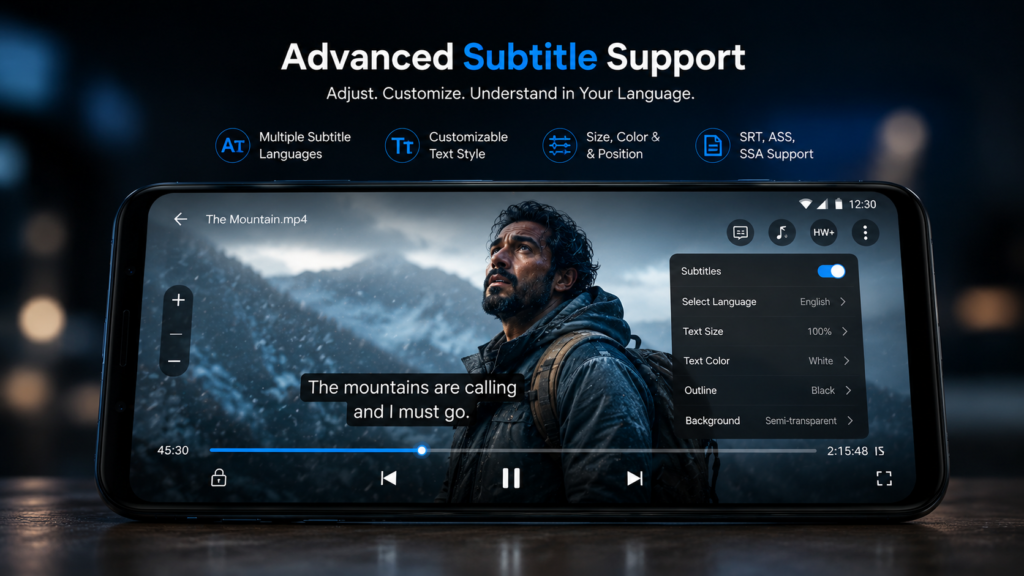
- Support for external subtitle files
These features provide a flexible viewing experience across different Android devices. (Google Play)
User Experience and Interface
The interface is clean and straightforward. Videos are automatically detected from your device storage, making navigation easy even for first time users.
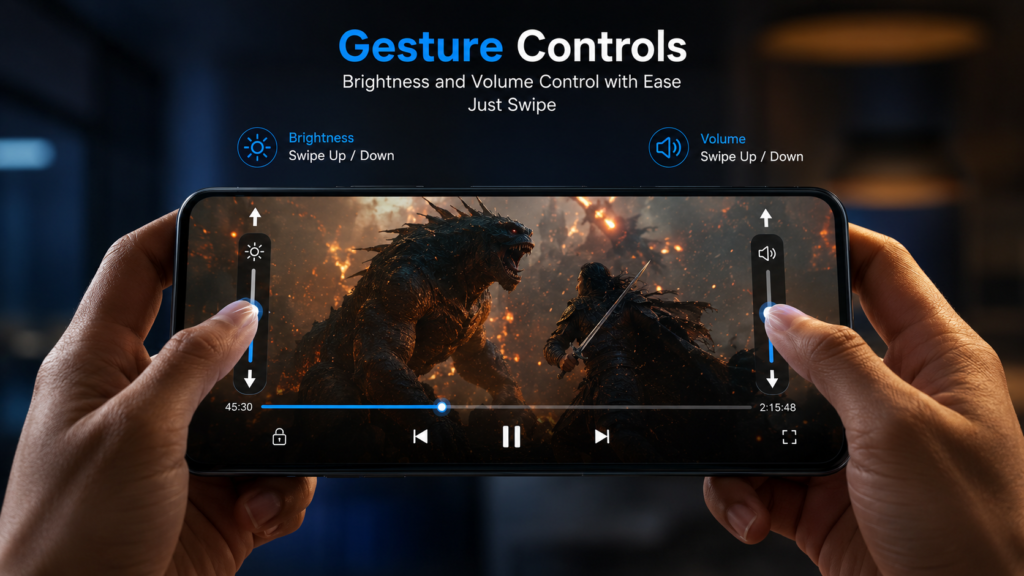
Gesture controls allow users to adjust brightness, volume, and playback position without opening additional menus. Subtitle settings are also highly customizable, enabling users to change font size, timing, color, and position.
Despite offering many advanced features, the application remains beginner friendly.
Performance
Performance is where MX Player continues to stand out.
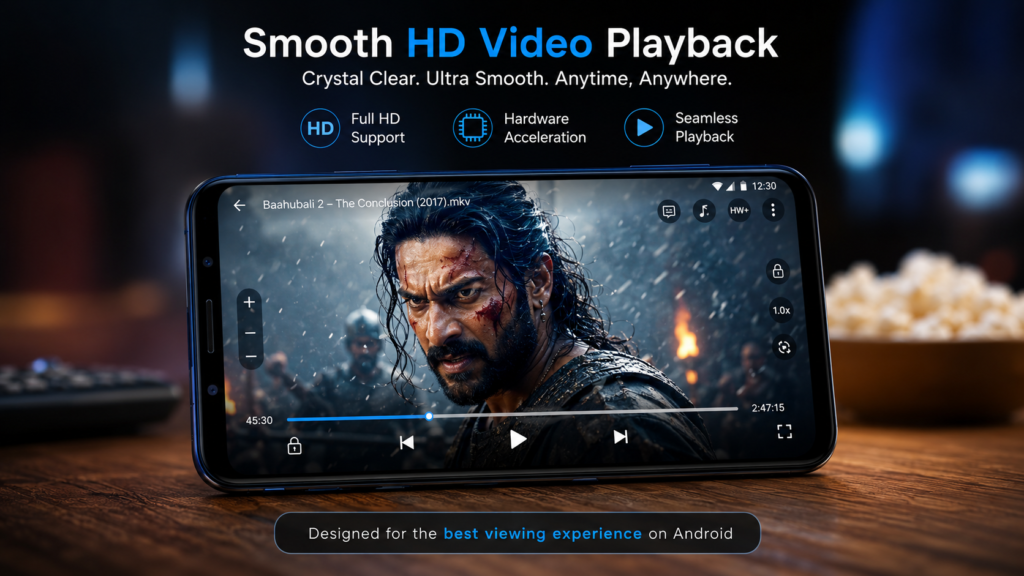
Its multi core decoding technology helps improve playback efficiency on supported devices, while hardware acceleration reduces lag during HD and high bitrate video playback.
Large video files generally play smoothly with minimal buffering when stored locally. The player also performs well with external subtitle files and multiple audio tracks. (Google Play)
Supported Formats
MX Player supports a wide variety of video formats including:
- MP4
- AVI
- MKV
- MOV
- FLV
- 3GP
- MPEG
- WEBM
- WMV
- TS
Subtitle formats include:
- SRT
- SSA
- ASS
- SUB
- TXT
- VTT
- SMI
This extensive compatibility eliminates the need for separate video conversion software.
Pros
- Excellent playback performance
- Wide video format support
- Highly customizable subtitles
- Easy gesture controls
- Smooth hardware acceleration
- Clean and intuitive interface
- Picture in Picture support
- Frequent updates
- Suitable for both beginners and advanced users
Cons
- Free version contains advertisements
- Some advanced codecs may require additional codec packages
- Several online features are region dependent
- Premium version is required for an ad free experience
Comparison with Competitors
| Feature | MX Player | VLC for Android | XPlayer |
|---|---|---|---|
| User Interface | Excellent | Good | Very Good |
| Hardware Acceleration | Excellent | Excellent | Excellent |
| Subtitle Support | Excellent | Excellent | Very Good |
| Gesture Controls | Excellent | Good | Very Good |
| Playback Speed | Yes | Yes | Yes |
| Picture in Picture | Yes | Yes | Yes |
| Ads | Yes (Free Version) | No | Yes |
| Customization | Excellent | Very Good | Good |
| Ease of Use | Excellent | Very Good | Excellent |
Competitive Advantage
Compared with VLC and XPlayer, MX Player offers one of the most polished playback experiences on Android. Its gesture controls, subtitle customization, and optimized hardware acceleration make it particularly appealing for users who frequently watch locally stored movies and TV shows.
Who Should Use MX Player?
MX Player is an excellent choice for:
- Movie lovers
- Students watching educational videos
- Frequent travelers
- Android tablet users
- Users with large offline video libraries
- Anyone needing reliable subtitle support
If you regularly watch downloaded videos, the application provides nearly everything required in a modern media player.
Security and Privacy
The application is distributed through Google Play and follows Android permission requirements for media access and playback. Users should review requested permissions before installation and keep the application updated for the latest security improvements. (Google Play)
Final Verdict
MX Player continues to be one of the strongest media players available for Android. Its excellent playback performance, broad format compatibility, intuitive controls, and advanced subtitle features make it suitable for both casual and advanced users.
Although advertisements in the free version can occasionally interrupt the experience, the overall feature set more than compensates for this limitation.
If you want a reliable Android media player that delivers smooth playback across nearly every video format, MX Player remains an excellent choice.
Conclusion
Whether you watch movies, TV series, educational videos, or personal recordings, MX Player provides a dependable and feature rich viewing experience. Its combination of hardware acceleration, gesture controls, subtitle customization, and extensive format support keeps it among the best Android video players available today.
Download MX Player from the Google Play Store to experience powerful multimedia playback and discover why millions of Android users continue to rely on it. (Google Play)